
Step 1: Visit the AISEOgic Website
Go to the official AISEOgic website:
On the homepage, look at the top-right corner of the header. You will see the Login and Sign Up Free options.
Screenshot 1 – AISEOgic Homepage

Step 2: Click Login
If you click Login in the AISEOgic header, you will be redirected to the AISEOgic application login page:
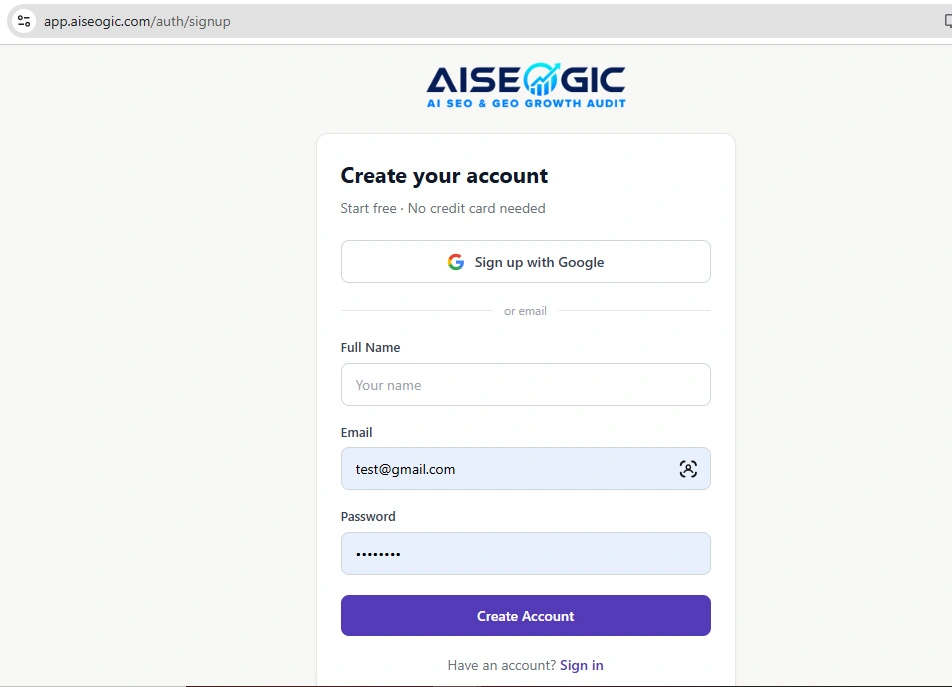
Enter Your Account Details
On the registration page, enter the information requested by AISEOgic.
Typically, you should carefully enter your:
- Name
- Email address
- Password
- Any other information requested on the registration form
Step 3: Create Your Account
After entering the required information, submit the registration form.
If you choose the Google option where available, you can also create/sign in to your account using your Google account. The AISEOgic login page currently provides Continue with Google as an authentication option.
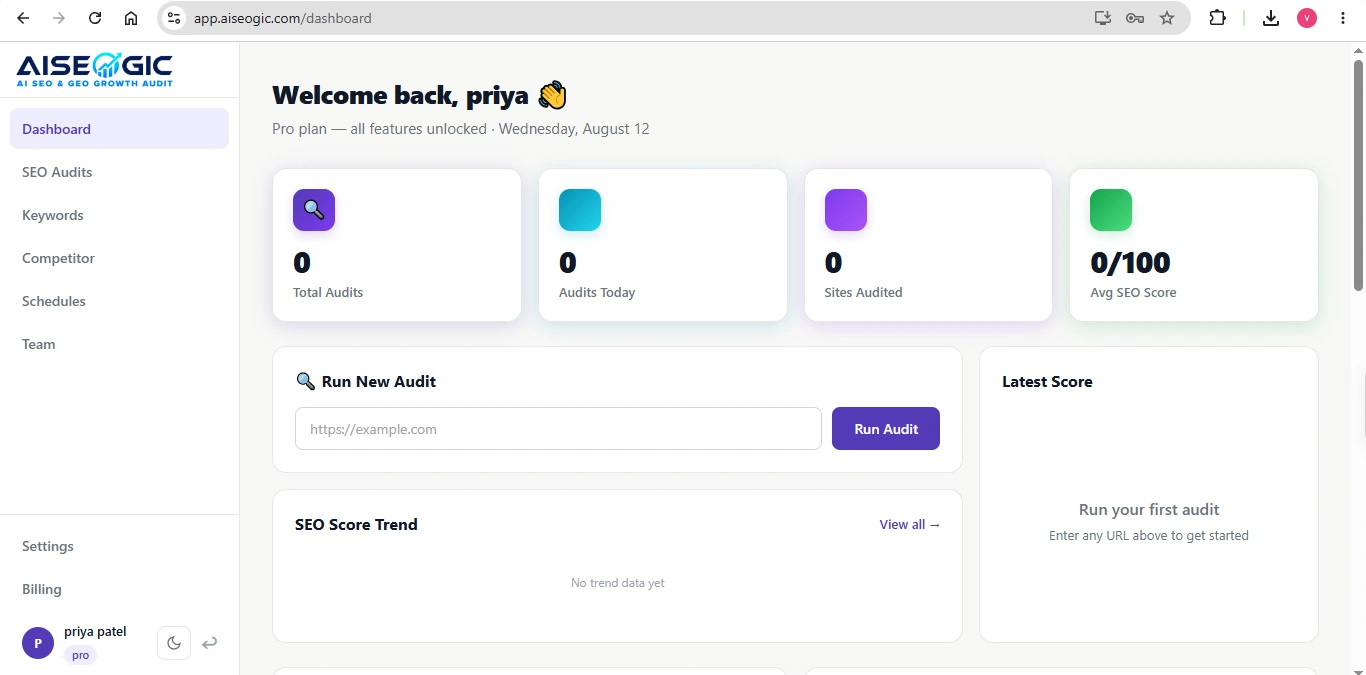
Quick Summary
- Visit AISEOgic.com.
- Click Login or Sign Up Free.
- On the login page, click Sign up free if you don’t have an account.
- Enter your required account information.
- Submit the registration form.
- Return to the login page.
- Enter your email and password.
- Click Sign In.
- Start using AISEOgic.